The shop floor handbook
PC Store Together Wiki & Guides
Keep the shop moving.
Build the next PC.
Assistant not restocking? Place the product in its retail slot once yourself. Clear an unwanted label with empty hands at an empty slot or rack bay. Need a replacement case, a PC sale or custom music? Choose the matching guide below.
For the Steam release · Including the November 28 hotfix
Independent guides, checked November 28, 2026.
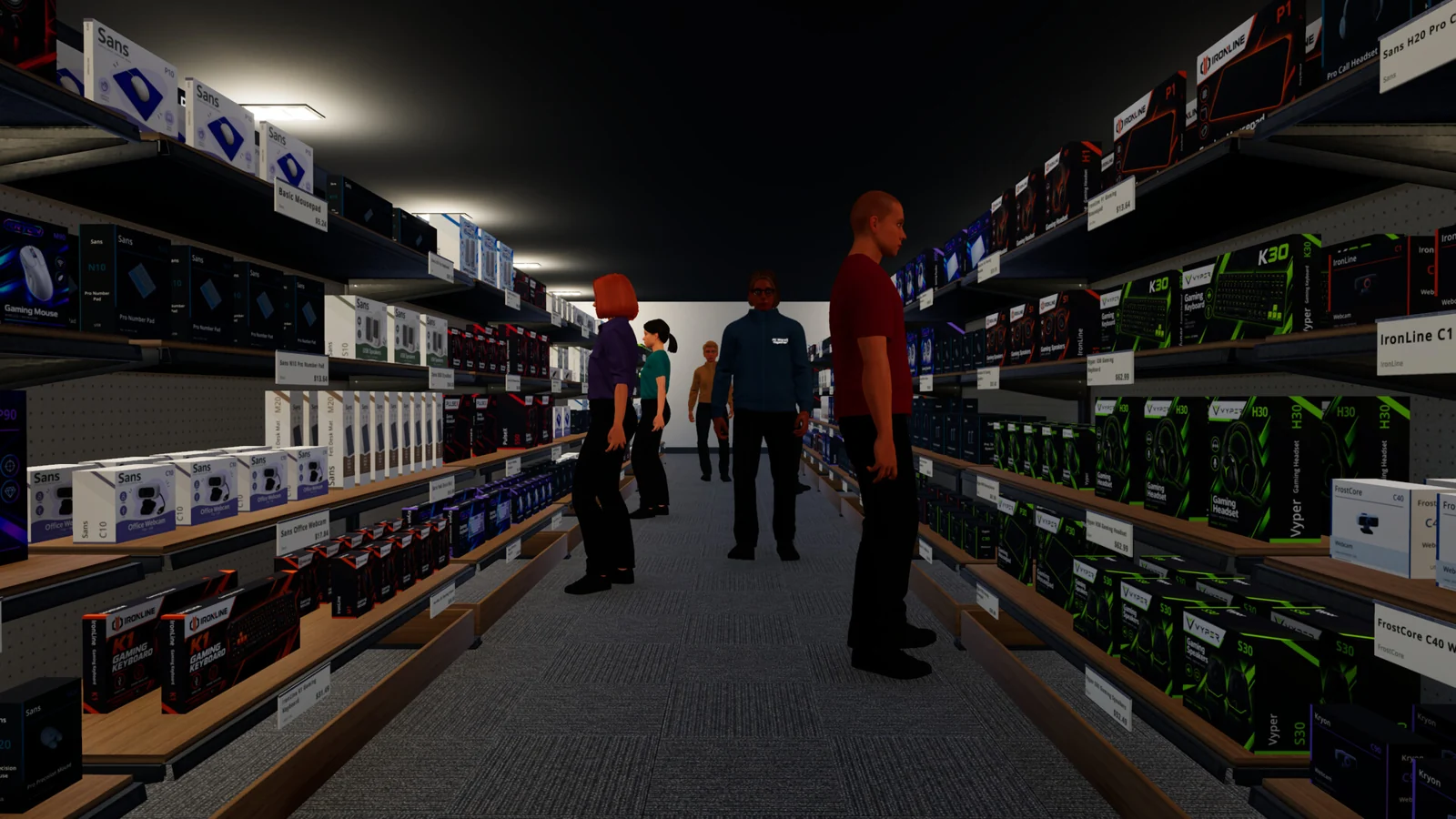 Stock assistants, cartons & shelf slots
November 28 update. Empty storage-bay labels can now be removed. Cartons you put down stay there unless a shelf needs their stock.
Version notesPick the task
Guides for your next shop job.
Each guide gives a starting check, an observable result and a next step if it fails.
Restocking guide
Assign a product, check why its carton is waiting, clear the route, or remove an empty retail or storage label.
Open the guide GUIDE 02Change the shop PC case
Put the shop PC on a workbench and choose a replacement from workshop storage. The store room is not the same inventory.
Open the guide GUIDE 03Custom PCs not selling
Separate an unfinished or unpriceable computer from a completed display PC that has not found a buyer. Then test pricing against customer budgets.
Open the guide GUIDE 04Custom music
Import a supported song, check its file size and confirm whether friends receive it on the current update.
Open the guideStart with what you see
Which part is stuck?
One connected guide. Choose the check that matches your shop.
A new product is not being stocked
The assistant follows the retail places you have assigned. Put the product in the intended place once yourself.
Open this check CHECK 02A box is being ignored
A carton you put down stays there unless a shelf needs its contents. New products wait on the pallet until you place one yourself.
Open this check CHECK 03The old product keeps coming back
Selling out or moving the shelf does not clear its memory. Replace the product, or remove the empty slot’s tag.
Open this checkA first look · Creator video
See the shop.
Then check the current rules.
Steve’s Sim Station introduces the PC Store Together Demo in this gameplay video. It gives context for the shop setting; it is not a demonstration of the November 28 hotfix.
Creator Demo footage, not an official trailer. Playback starts here on demand. Use the dated written guides for current instructions.
YouTube · Steve’s Sim Station · Original player, no video re-upload.
The rule behind the routine
A shelf remembers.
An assistant follows.
The November 27 update changed how stock assistants handle deliveries and remember product locations. If you are following older advice, these are the distinctions to keep in view.
Read the complete sequenceYou choose the place
The assistant does not decide where a new product belongs. Put one item in its intended retail place to assign it. An empty place can still remember the last product it held.
Check whether its contents are needed
Repeat deliveries can go to shelves and storage. A carton you put down now stays there unless a shelf needs its contents. New products wait on the pallet until you make their first placement.
Keep the route clear
An assistant can skip something out of reach, do other work and try again later. Listen for “I can’t get through!” before treating a single unfilled place as a permanent fault.
Rearranging the store
Empty does not mean forgotten.
Pick the result you actually want before changing the shelf.
| Your goal | What changes the slot | Keep in mind |
|---|---|---|
| Keep selling the same product | Keep its assigned retail place and allow restocking. | The tag and price remain when the place sells out. |
| Switch to a different product | Put the new product in the empty place once yourself. | Moving the shelf alone keeps the old memory. |
| Keep a retail place empty | Clear its goods, then use empty hands and right-click the empty slot’s price tag. | v1.2.1 removes that tag, so the assistant stops refilling the slot. |
Need to clear a storage assignment too? The November 28 update says to use empty hands and right-click an empty rack bay to remove its label. Follow the storage-label steps.
Know which advice you are using
Updated for the November 28 hotfix.
The Black Friday update rebuilt stock assistants, and v1.2.1 added empty retail-tag removal. The November 28 hotfix adds storage-label removal, changes how placed cartons are handled and brings more high-budget PC customers at levels 25–39.
The separate PC guides distinguish changing your own shop computer’s case from diagnosing a custom computer’s pricing or sales. The music guide covers importing files and checking what friends hear under the newer transfer rules. Community discounts are experiments, not guarantees. The Demo video remains background footage, and no guide promises to repair every bug.